
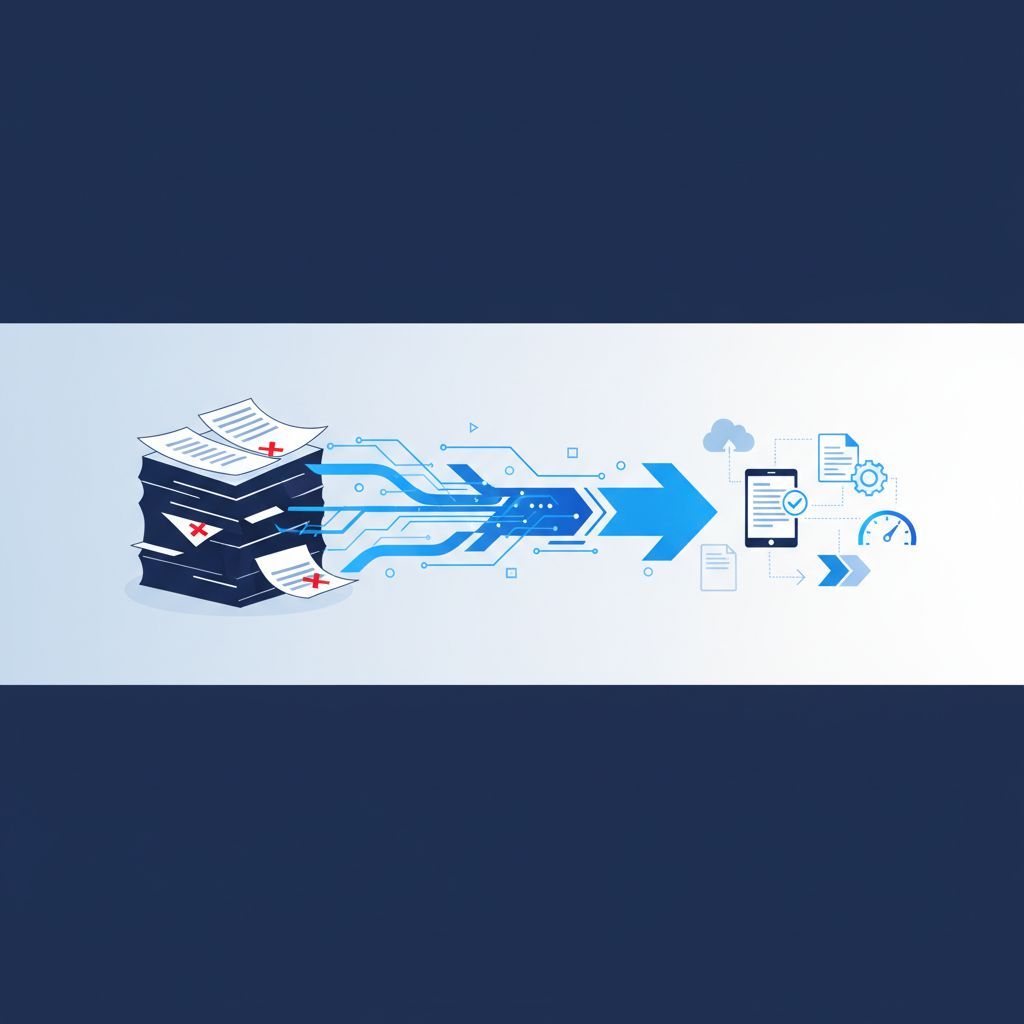
Your team is spending hours every week creating contracts, filling out forms, generating invoices, and copying data from one system to another. That is not a workflow - that is a bottleneck. Document automation fixes it.
This guide breaks down exactly what document automation is, why it matters for small and mid-sized businesses, and what you should do if you want to implement it. No technical background required.
What Is Document Automation?
Document automation is the process of using software to automatically generate, populate, route, and manage business documents - without someone manually typing, copying, or formatting them.
Instead of opening a template, filling in client details, adjusting formatting, saving the file, attaching it to an email, and then tracking whether it was signed - the software does all of that for you. You set the rules once, and the system handles the rest.
Common examples include:
- Contracts and agreements that auto-populate with client data from your CRM
- Invoices that generate automatically when a job is marked complete
- Onboarding packets that get triggered the moment a new hire is added to your HR system
- Compliance reports that pull live data and format it into a submission-ready document
- Proposals that assemble themselves based on the services a prospect selected
The documents are not just created automatically - they can also be routed for approval, sent for e-signature, filed in the right folder, and logged in your system of record. The entire lifecycle of the document is managed without anyone touching it manually.
Why Manual Document Processes Are Costing You More Than You Think
Most business owners do not see manual document work as a problem. It feels like just part of running a business. But the numbers tell a different story.
Research from McKinsey estimates that knowledge workers spend close to 20% of their time searching for and creating documents. For a five-person team, that is one full-time employee’s worth of hours disappearing into paperwork every single week.
And that is just time. Manual document processes also create:
Errors that damage trust. When someone manually types a client’s name, address, contract value, or payment terms, mistakes happen. A wrong number in a proposal or a missing clause in a contract can cost you the deal - or worse, expose you to legal risk.
Delays that slow down revenue. If getting a contract out the door takes two days because someone has to draft it, get it reviewed, format it, and send it manually, you are leaving money on the table. Deals stall. Clients grow impatient.
Compliance gaps that create liability. Regulated industries like healthcare, finance, legal, and construction require specific language and documentation in every client-facing document. Manual processes make it easy to miss a required clause or use an outdated version of a form.
No visibility into document status. When documents live in someone’s email inbox or on a shared drive, there is no easy way to know whether a contract was sent, reviewed, signed, or filed. That information gets lost.
How Document Automation Actually Works
The mechanics are simpler than most people expect. Here is what happens under the hood.
1. A trigger kicks off the process. Something happens in your business that signals a document needs to be created. A new lead reaches a certain stage in your pipeline. A project is marked complete. A new employee is hired. That event automatically starts the document generation process.
2. The system pulls the right data. Instead of someone manually entering a client’s name, address, contract terms, or pricing, the automation pulls that information directly from your CRM, ERP, HR system, or database. The document is pre-populated with accurate, up-to-date information.
3. The document is assembled using a template. Your team builds smart templates that include fixed content (like legal language, brand formatting, and standard terms) alongside dynamic fields that fill in automatically. The output looks exactly like something a human put together - because you set it up that way.
4. The document is routed for review or signature. Depending on the workflow, the finished document can be automatically emailed to the client, sent for e-signature through a tool like DocuSign or Adobe Sign, routed to a manager for approval, or all three - in sequence.
5. The completed document is filed and logged. Once signed or approved, the document is saved to the right location automatically - whether that is a cloud folder, your CRM, or a compliance archive. No manual filing. No searching for it later.
This entire process can happen in minutes. What used to take hours of back-and-forth now runs in the background while your team focuses on higher-value work.
What Document Automation Is Not
It is worth clarifying a few common misconceptions.
It is not just mail merge. Mail merge fills in fields in a Word document. Document automation handles the entire lifecycle - generation, routing, approval, signature, storage, and tracking.
It is not only for large companies. Some of the biggest efficiency gains from document automation happen at small and mid-sized businesses, where every hour of saved time has a direct impact on the bottom line.
It does not require a developer or IT team to set up. Many modern document automation platforms are no-code or low-code, meaning your operations team can build and manage workflows without writing a single line of code. That said, getting the integrations right and building workflows that match your actual business processes is where a consulting partner adds real value.
Document Automation vs. Business Process Automation
Document automation is one component of a broader category called business process automation. The distinction matters.
Business process automation covers the full range of repetitive tasks in your operation - routing approvals, syncing data between systems, triggering notifications, managing handoffs between departments. Document automation specifically focuses on the creation, movement, and management of documents within those processes.
In practice, the two almost always work together. A contract generated automatically still needs to flow through an approval process. An invoice created by automation still needs to trigger a payment follow-up sequence. When your document workflows are connected to your broader automation strategy, the efficiency gains multiply.
If you are unsure where document automation fits within your larger operations picture, working with an IT strategy consulting team can help you map out the right approach before you start building anything.
Which Businesses Benefit Most from Document Automation?
Document automation delivers the biggest return in businesses that:
- Generate high volumes of similar documents regularly (contracts, quotes, invoices, reports)
- Operate in regulated industries where document accuracy and version control matter
- Have multiple people involved in document creation, review, or approval
- Are growing and cannot afford to scale their admin headcount alongside their revenue
- Lose deals or delay cash flow because documents take too long to get out the door
Industries that see strong results include legal services, real estate, financial services, healthcare practices, staffing firms, insurance agencies, and professional services firms of all kinds.
But even businesses outside those categories benefit if they have any significant volume of repetitive document work.
What to Look for in a Document Automation Solution
Not every tool is built the same. When evaluating options, focus on these factors:
Integration with your existing systems. The value of document automation depends on its ability to pull data from where your business already stores it. If the tool does not integrate cleanly with your CRM, ERP, or HR platform, you are back to manual data entry - just in a different interface.
Template flexibility. You need to be able to build templates that match your existing documents - including your branding, legal language, and conditional logic (for example, including different terms based on the type of client or project).
E-signature support. If your documents require signatures, the platform should support e-signature natively or integrate with a leading provider.
Audit trails and version control. For compliance and legal protection, you need a clear record of who created a document, when it was sent, who approved it, and what version was signed.
Scalability. Choose a solution that can grow with your business. What works for 50 documents a month needs to still work when you are processing 500.
This is also an area where AI business solutions are increasingly relevant. AI-powered document tools can extract data from incoming documents, classify them automatically, flag anomalies, and even draft content based on defined parameters - going well beyond static template-filling.
How to Get Started with Document Automation
The biggest mistake businesses make is trying to automate everything at once. Start focused.
Identify your highest-volume, most repetitive document. What does your team create most often? Where does the most time get lost? That is your starting point.
Map the current process. Before you automate anything, write down every step that currently happens with that document. Who creates it, who reviews it, where it goes, how it gets filed. You cannot improve a process you have not documented.
Choose a tool that fits your existing tech stack. Do not adopt a document automation platform that requires you to replace three other systems. Integration is everything.
Build one workflow, test it, and expand. Get one document process running cleanly before adding more. This gives your team time to adapt and helps you catch problems early.
Measure the impact. Track time saved, error rates, and document turnaround time before and after. The results will make the case for expanding automation across your operation.
Ready to Take the Next Step?
Document automation is one of the fastest ways to recover lost time, reduce costly errors, and scale your operations without adding headcount. Miami Cyber helps SMBs across the country design and implement business process automation solutions that fit the way they actually work. If you are ready to stop losing hours to manual document tasks, our team can help you identify exactly where to start and build a solution that delivers real results.